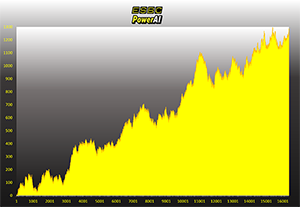
ESBC:n voittamisen resepti perustuu ainutlaatuiseen ESBC PowerAI -todennäköisyyslaskentamalliimme, joka on lukuisat tieteelliset tutkimukset hyötykäyttöön integroiva kruunun jalokivemme.
Suomen tunnetuin vedonlyöntisijoittaja Jorma Vuoksenmaa on ESBC:n perustaja, omistaja ja johtaja sekä yhä myös intohimoisesti vedonlyöntiin ja analyysiin suhtautuva - yli 30 voitollisen vedonlyöntivuoden kokemuksella.
Tähänastinen menestyksemme ei ole silti tae tulevasta menestyksestä. Sen takia myös tutkimustyömme on jatkuvaa. Ylläpidämme kykyämme tarjota lisäarvoa Sinulle yliopistotasoisella tutkimuksella.
Itse uskomme tekevämme voitollista tulosta tulevaisuudessakin. Siksi pelaamme aina myös omilla rahoillamme suhteellisen suurin panoksinkin vedot, joita suosittelemme asiakkaillemmekin. Tervetuloa mukaamme järkivedonlyönnin etujoukkoihin.
ESBC – Yhdessä enemmän peleistä
🇫🇮 Helmarit-Vakio 5: Vakiossa on tarjolla tänään naisten MM-karsintoja ⚽
Rastijakauma tarjoaa mahdollisuuksia, koska alustavasti edullisia suosikkeja on peräti viisi kappaletta! Näiden varaan kannattaa lähteä rakentamaan rivejä. Klikkaa ja ota Wizardilta sinulle räätälöity, mainio pelikokonaisuus!
23.5.
"Pieni sijoitus, siitä kimppalappu ja nätti osuma. Kiitos taas!"
💰
Asiakkaamme Tomi teki Wizardin avulla kimpan, joka haravoi 2240 €!
15.5.
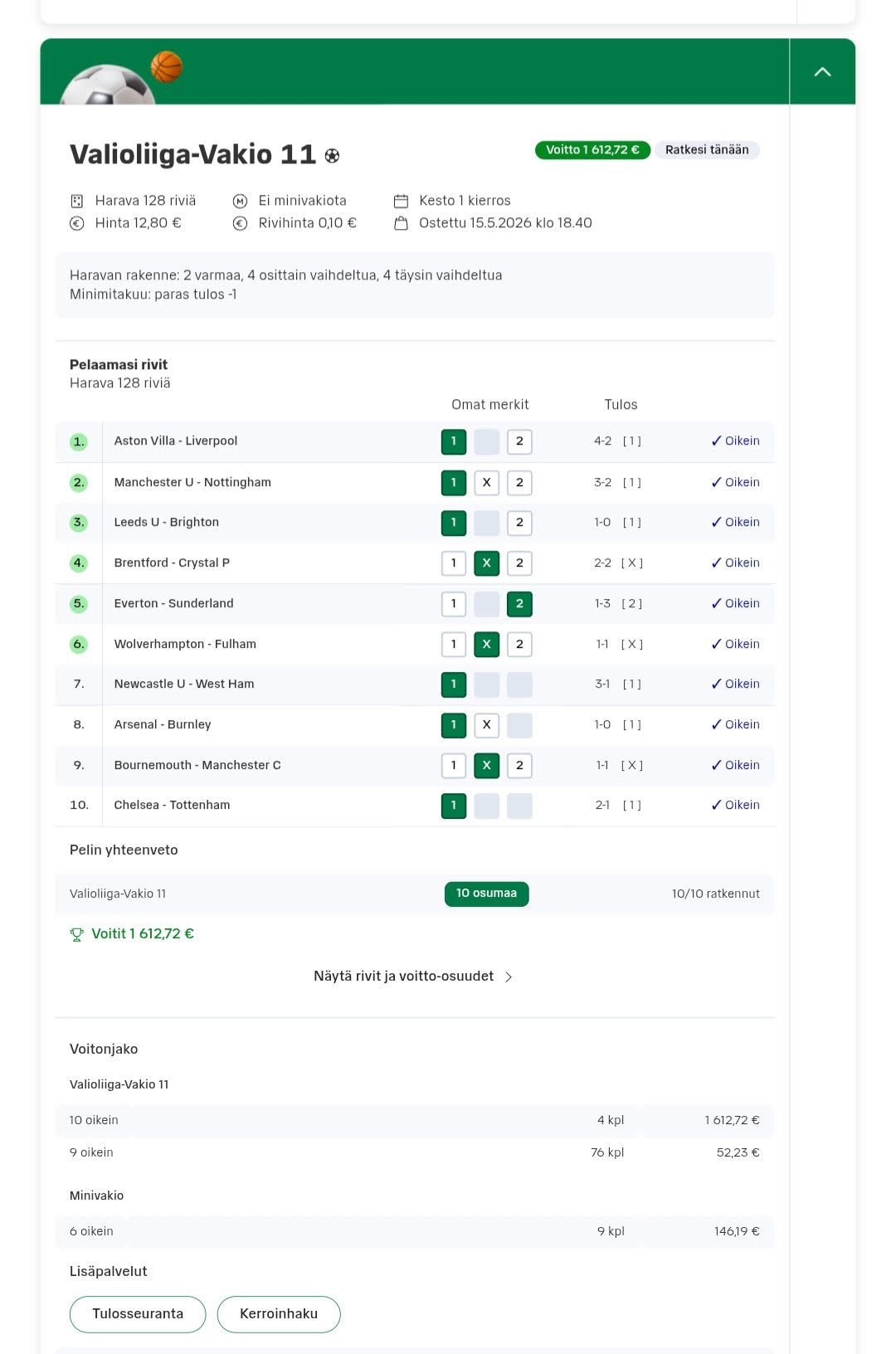
"Nyt tärähti! Monta kertaa ollut isompi kala lähellä ja nyt viimein nappasi kiinni. Iso kiitos! T.JH"
💰
Asiakkaamme JH otti ESBC Vakio Wizardilla 1612 € !
"Kiitos kuluneesta vuodesta, joulu kruunattiin jackpotilla!" 300 000 € päävoitto!
ESBC Vakio Wizardilla yli 17 000 euron vakiovoitto!
MLB Simson: Six value picks plus two additional ideas for Tuesday night’s games, including a rare opportunity to root for an elite pitcher. First pitch at 01:40.
Nemesis - saamme, mitä ansaitsemme.
Nemesis on hevosvedonlyönnin kokonaisvaltainen ajattelutapamme, työkalumme ja tietokantamme.
Siinä yhdistyvät 40-vuoden hevospelikokemuksemme, moderni tietotekniikka ja intohimoinen, kova työ.
Olemme ratkaisseet hevosvedonlyönnin lähes täydellisesti.
Voita kanssamme, jos haluat.
Solvalla 29.5.
- 🇸🇪 ISO ideamme Deadly Map 4,97x voittoon! ✅
Tulevat vihjeet:
Åby V85 jackpot 9.5.
- 🇸🇪 Kimpalle 6389 € lunastus! ✅